
 www.lxrcore.com - LXRCore Website
 Join our Discord
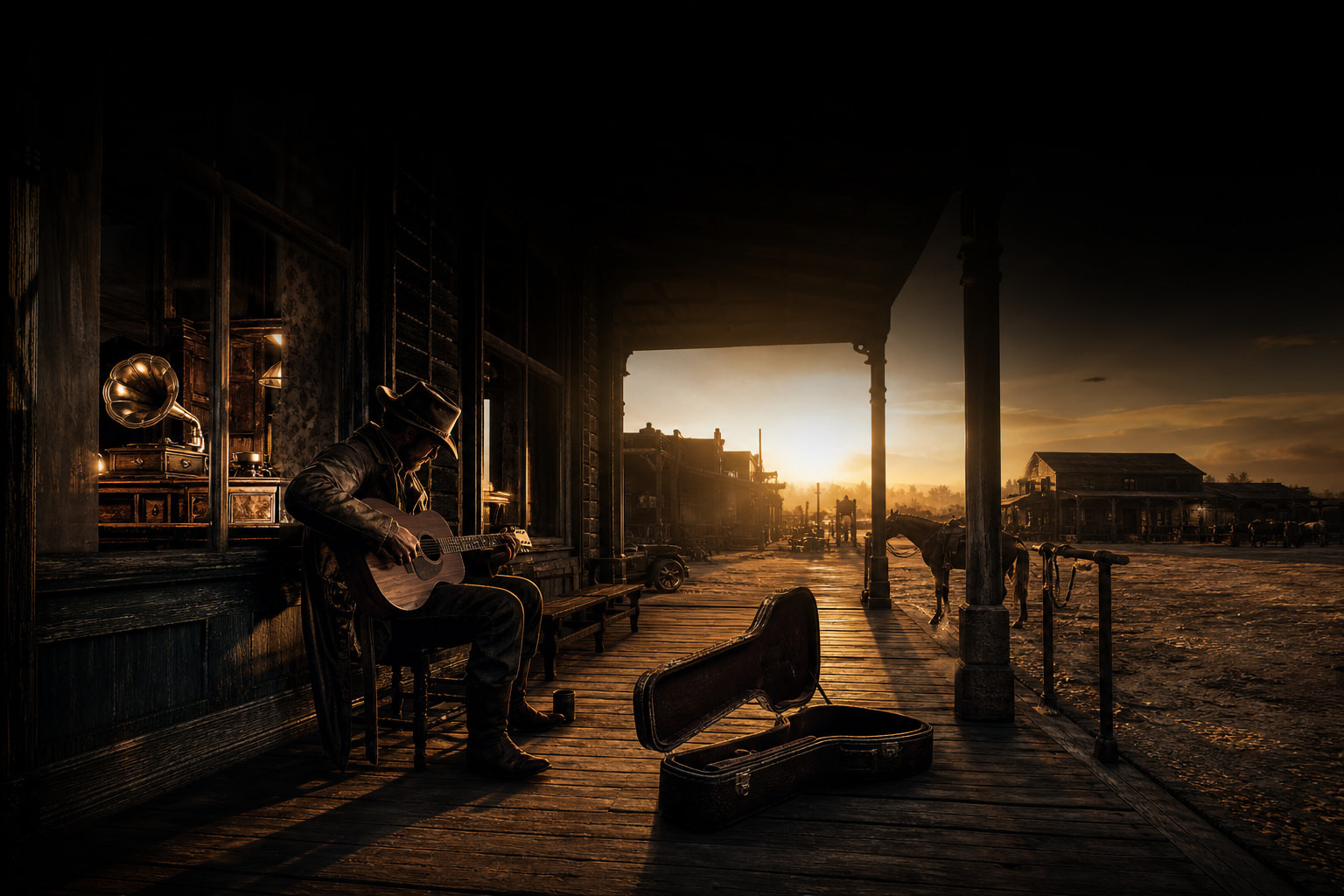
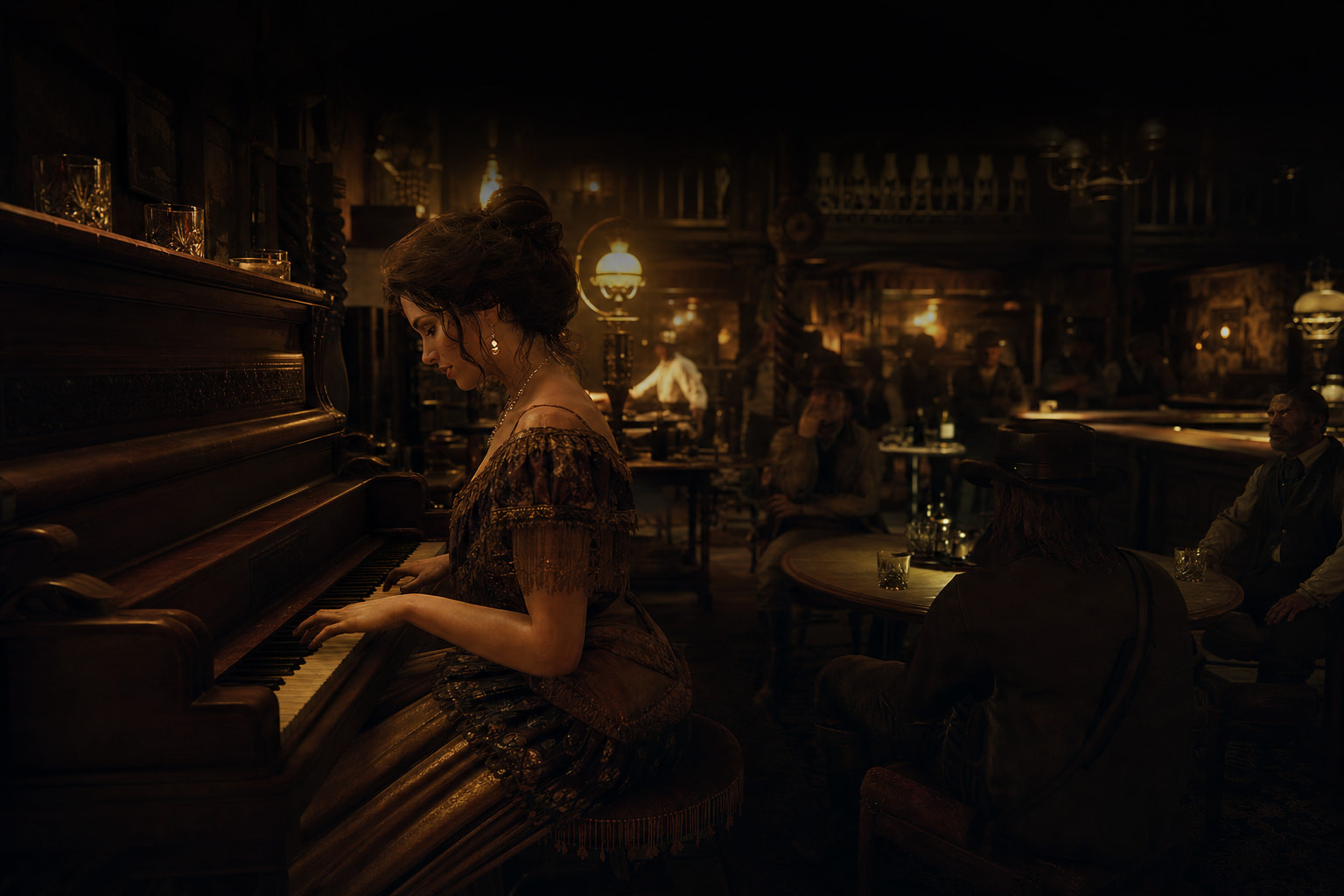

Music as part of the roleplay world — eight playable instruments, a phonograph you place in the world, 3D spatial audio, and an audio policy the server owner controls end to end.
https://medal.tv/games/red-dead-2/clips/n1N7emISu0CsDCS1F?invite=cr-MSxSSlMsMjcyMzEzNTA2
What it is
Eight instruments
Instrument
Type
How it works
Guitar, Banjo, Trumpet, Harmonica, Fiddle
Held
Inventory items; hand-held props with sit / stand / walk animations
Phonograph
Placed
Placed in the world (ground or table) with a step-by-step placer; persistent; walk up to it to play
Piano, Harp
World
No item — interact with the game’s own map props by proximity
Every instrument uses an RDR2-style prop and the matching scenario / animation, per gender.
3D spatial audio
Playback is positioned at the performer’s prop (the phonograph stays anchored to the machine). Volume, distance, reference distance and roll-off are configurable. Built on xSound.
Native controls
RedM HUD prompts while performing — [R] Play / Stop · [↑] [↓] Volume · [L] Loop · [BACKSPACE] Leave.
Roleplay uses
Saloon performances · campfire gatherings · street musicians · weddings and ceremonies · town events · hotel, restaurant, home and business atmosphere · background music for scenes.
The audio policy is the server owner’s — and the tools are built in
LXR-Music ships with no music and hosts nothing. It plays only what the server owner permits, from sources the owner enables, and it gives staff the means to stop anything at any time.
-
Source switches — every audio source is an independent on/off switch in
Config.StreamProviders: direct media files on your own host or CDN (.mp3/.ogg), Discord attachments, Google Drive, Dropbox, Suno (AI-generated originals), and others. Turn off what you do not want on your server; a one-line example is in the README. The recommended production setup is your own hosted files plus Discord attachments. -
Domain whitelist — a URL is accepted only if its host belongs to an enabled provider. Everything else is refused server-side (
Config.Security.ServerValidateURL), including data URIs. -
Blocklist — permanent blocked URL fragments in
Config.Security.BlockedURLs, plus runtime/lxr-music blockurl/unblockurlfrom the admin panel. -
Admin can stop any music, any time —
/lxr-music stopstops one player,/lxr-music stopallsilences the server; the in-game admin panel (/lxr-music menu) lists every live session with who is playing what and where, with stop and block buttons. Admin access by ACE, framework admin group, or identifier allowlists (licence / Discord / citizen id). -
Rate limits and caps — per-player rate limit, cooldown between uses, optional cap on concurrent sessions, optional maximum session length, playback stops on damage.
-
Forensic audit log — every start, stop and URL is logged (who · what · when · where · how) to Discord webhooks and daily JSONL files, so the owner can see and act on anything played on their server.
The owner is responsible for what their players are permitted to play; LXR-Music gives them the switches, the stop button and the paper trail to do that.
Performance & compatibility
- 0.00 ms idle when no session is active; proximity scanners tick at configured intervals
- Frameworks: LXR-Core, RSG-Core, VORP (auto-detected) or standalone
- Locales: English, German, Georgian
- Escrowed via Cfx.re;
config.lua, locales, docs and JSON data files are open
Requirements
- xSound
- One of LXR-Core / RSG-Core / VORP, or standalone
Optional (off by default)
- Player-to-player tips, ambient passer-by lines, static tip jars (
Config.Tips) - Discord session webhooks
Release information
Code is accessible
No — escrowed;
config.lua, locales, docs and data files are openSubscription-based
No
Lines (approximately)
8,900 Lua + the admin page
Requirements
xSound + LXR-Core / RSG-Core / VORP (or standalone)
Support
Yes — Discord tickets
Store: https://theluxempire.tebex.io · Website: https://www.lxrcore.com · Discord: LXRCore
Made by iBoss21 / The Lux Empire.