
 www.lxrcore.com - LXRCore Website
 Join our Discord
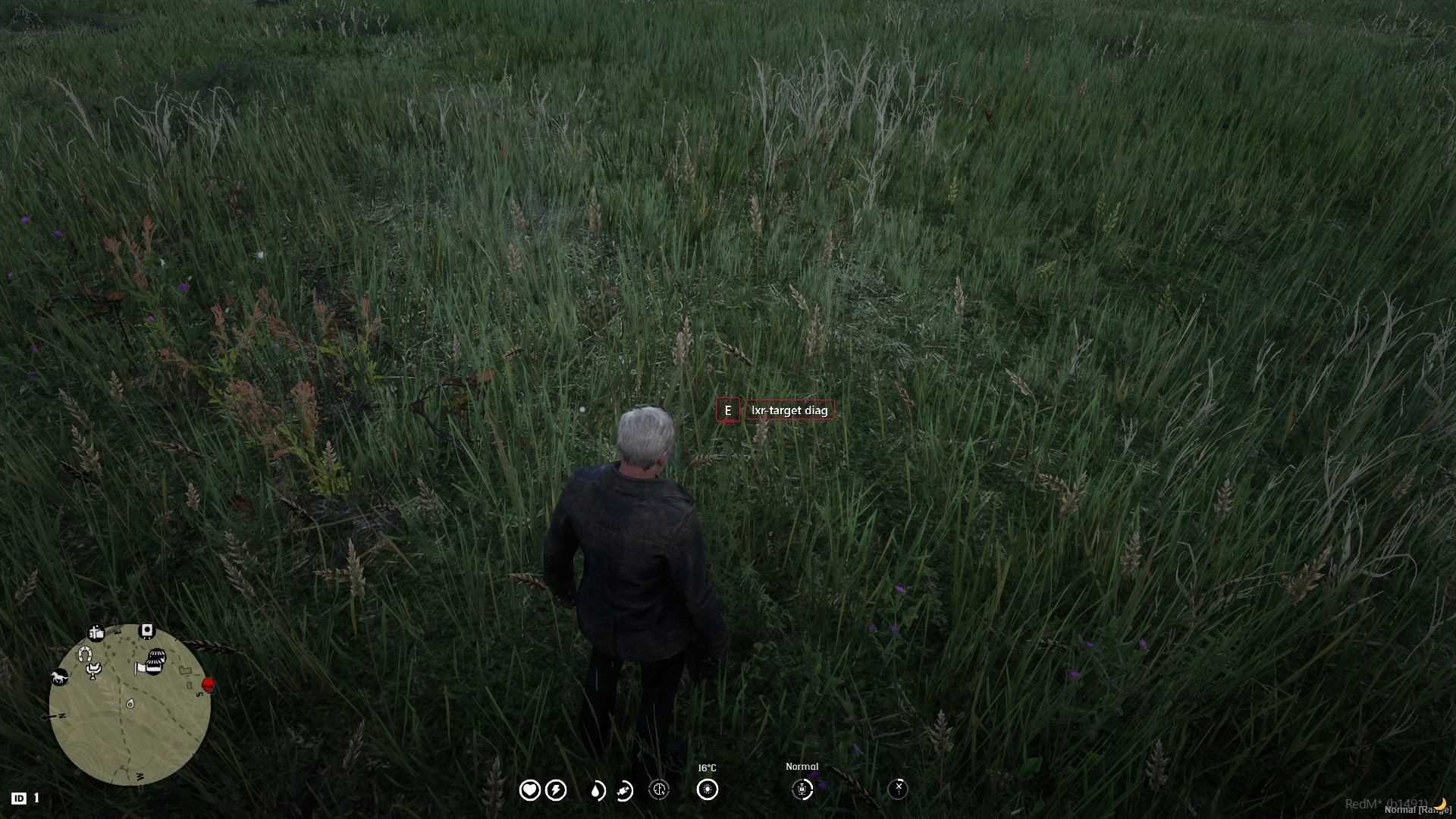
The most advanced targeting system for RedM. Standalone, framework-agnostic, and a drop-in replacement for every targeting resource your server already runs.
Look at anything in the world — a shopkeeper, your horse, a stagecoach door, a stash — and act on it. Ambient markers show what you can reach, a prompt asks for the key, and a menu opens when a target offers more than one thing to do.
Features
-
Two interaction modes. Modern is always on and needs no modifier key — look at something and press the key. Eye is Red Dead's classic reticle, raised with ALT. Players switch live from
/lxr-target; the choice is remembered. -
A player panel the owner controls.
/lxr-targetopens a settings panel — mode, accent and ring colours, ring and prompt size, crosshair, hold-vs-tap, menu position, sounds, animations.Config.PlayerSettings.allowdecides, switch by switch, which of those a player may change; the rest stay on the server value. - Every key rebindable. Interact, eye, menu, quick-select 1-5 and cancel all go through RedM's own key-mapping system, so players rebind them from the pause menu without touching a config.
- Built for Red Dead, not ported from Los Santos. Horses, animals, wagons, coaches, mounts and corpses are first-class entity kinds — not "peds" and "vehicles" with the serial numbers filed off.
- Native RDR2 prompts with the engine's own hold circle, or LXR's in-world prompt badge drawn in 3D at the target. Your choice, one config line.
- Standalone. No ox_lib, no dependencies, no build step. Zones, raycasting, DUI, keybinds and locales all ship inside the resource.
-
Drop-in for everything. Answers to
ox_target,rsg-target,qb-target,bt-targetandqtargetat the same time. Your existing scripts do not change. - 0.00ms idle. The per-frame thread is created only while something is actually targetable, and destroyed the moment the last target leaves the screen.
-
Server-side truth. Jobs, gangs and item counts come from the server, and
ValidateInteractionlets your own handlers verify an interaction before acting.
Requirements
- RedM server (build 7290 or newer, OneSync enabled)
- LXR-Core / RSG-Core / VORP-Core / RedEM:RP — or nothing at all, standalone works
Installation
- Drop
lxr-targetinto yourresourcesfolder. - Add
ensure lxr-targettoserver.cfg. - Stop the targeting resource you are replacing.
See docs/INSTALL.md for full setup instructions.
Configuration
Everything lives in config.lua — 23 sections, every value documented. See docs/CONFIG.md for the reference.
Languages
English, Georgian, German, Spanish, French, Italian, Brazilian Portuguese, Turkish, Polish, Dutch, Russian, Czech, Romanian, Hungarian — Config.Lang. A missing key falls back to English, so a partial translation never breaks the interface. Add a language by copying locales/en.lua.
Frameworks
LXR Core, RSG Core, VORP Core, RedEM:RP, QBR Core, QR Core and Standalone. See docs/FRAMEWORKS.md.
Using it from your scripts
exports['lxr-target']:addBoxZone({
    coords  = vector3(-286.0, 803.0, 119.4),
    size    = vector3(2.0, 2.0, 2.0),
    options = {
        {
            name  = 'saloon:bar',
            label = 'Order a drink',
            icon  = 'fa-solid fa-whiskey-glass',
            onSelect = function() print('pour') end,
        }
    }
})
Full reference in docs/API.md, and docs/COMPATIBILITY.md for replacing an existing target resource without editing a single script.
Support
- Discord: https://discord.gg/CrKcWdfd3A
- Store: https://lxrcore.com — mirror: https://theluxempire.tebex.io
- Website: https://www.wolves.land