
 www.lxrcore.com - LXRCore Website
 Join our Discord
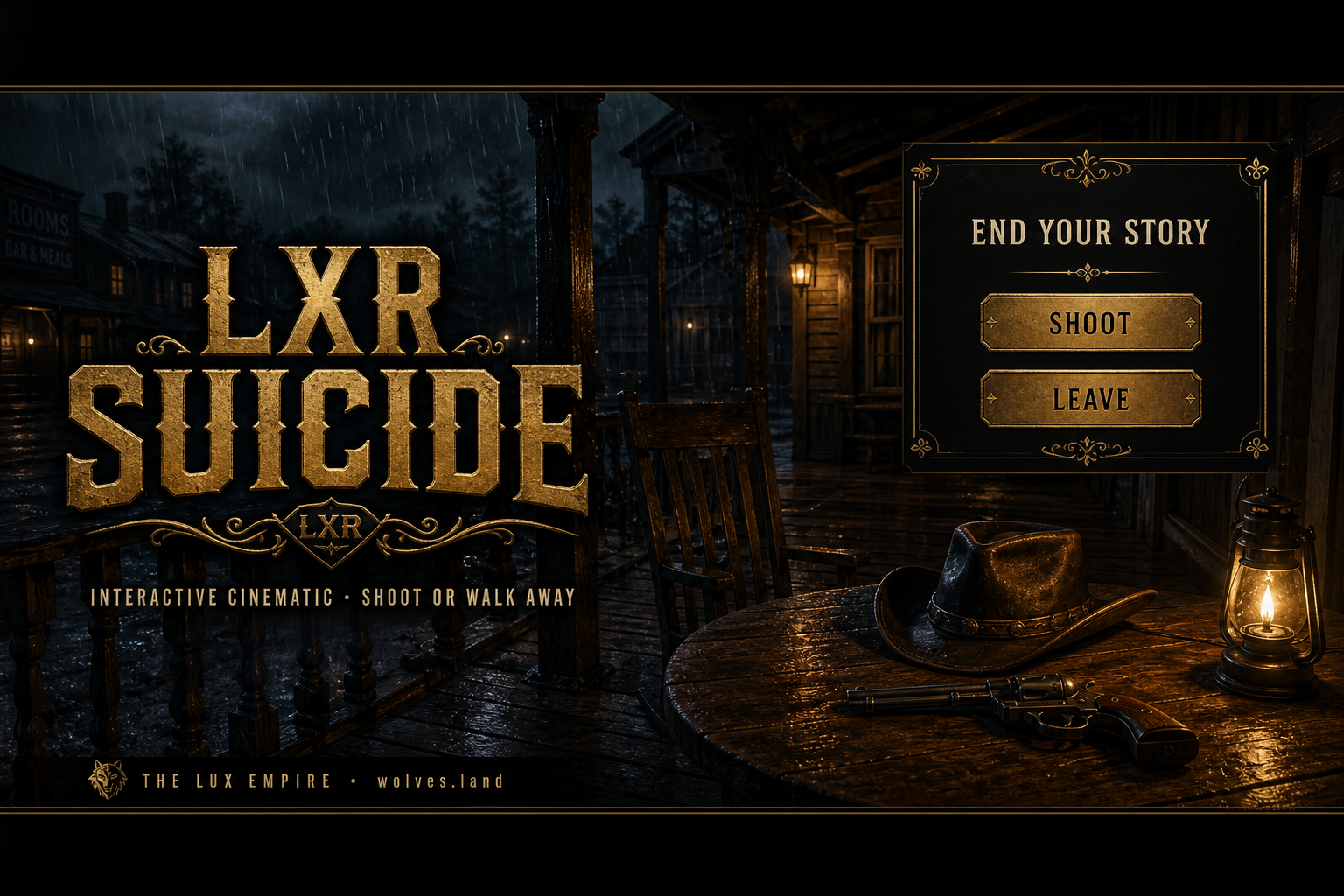


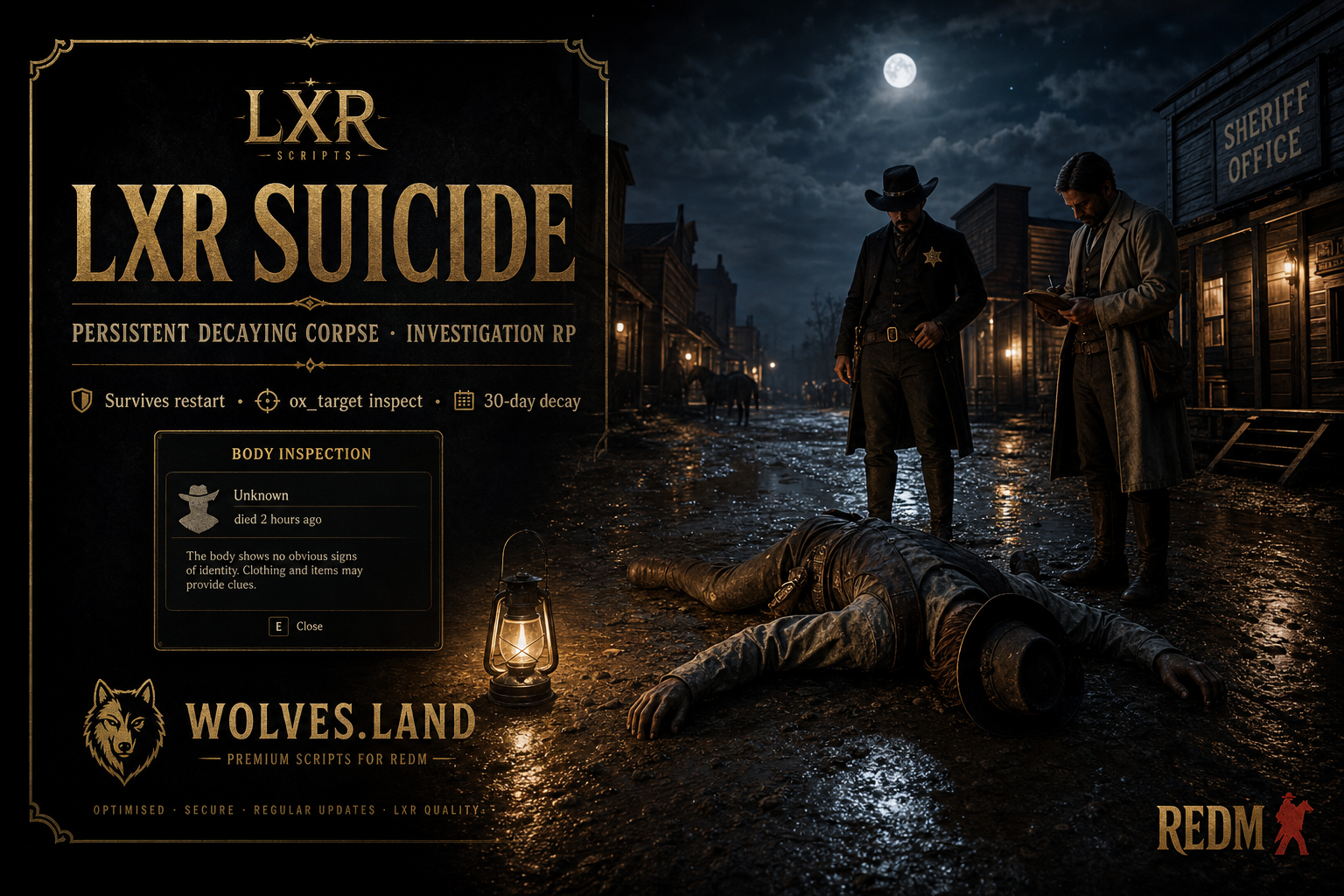
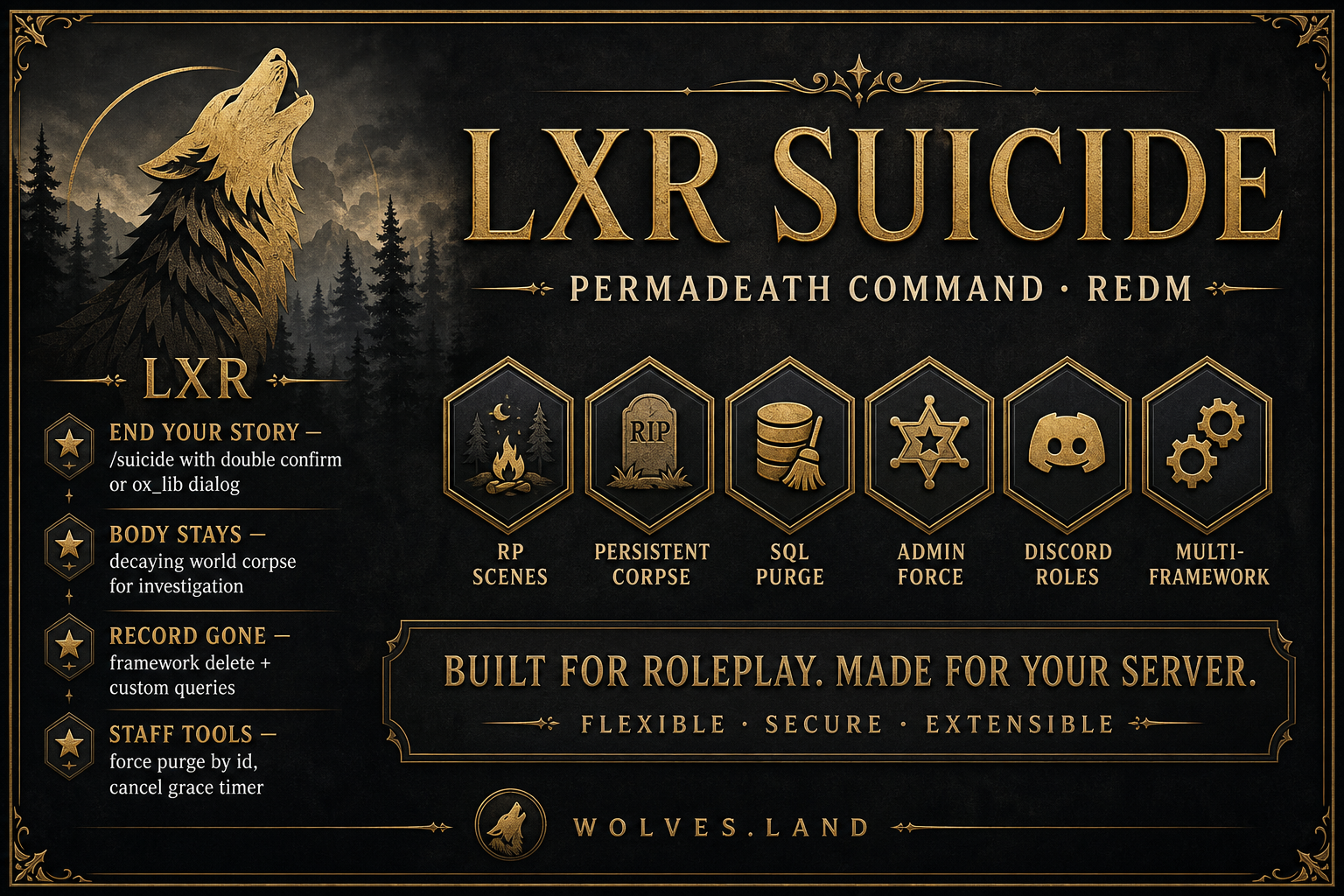
LXR Suicide is a serious RedM permadeath / character-end resource designed for immersive roleplay servers that need more than a simple kill command.
This system allows a player to intentionally end their character’s story in-world through a configurable command, optional cinematic RP scene, real engine death, persistent corpse creation, server-authoritative SQL character purge, tombstone locking, admin tools, Discord audit logging, and framework-aware multicharacter deletion support.
It is built for RedM servers that want permanent consequences, investigation roleplay, character-finality systems, and clean database handling without relying on unsafe client-side deletion logic.
Main Concept
This is not a basic /kill command.
LXR Suicide separates the death experience into multiple controlled systems:
- The player starts the permadeath command.
- The server validates whether the player is allowed to proceed.
- The client plays the configured scene or instant death flow.
- A real RedM death is triggered.
- A persistent corpse is saved to SQL and synced to all players.
- The character is purged from the database after a configurable delay.
- A tombstone record prevents the deleted character from being selected again.
- The corpse remains in the world for investigation RP until its separate decay timer expires.
The corpse timer and database purge timer are fully separate. This allows the character to be removed quickly while the body can remain in the world for hours or days.
Platform
Game: RedM
Type: Permadeath / Character End / Persistent Corpse / SQL Purge System
Framework Support: LXR-Core, RSG-Core, VORP, RedEM, QBR, QR, Standalone
Primary Use Case: Serious RP servers with permanent character death systems
Current Version: 1.3.0
Core Features
Player Permadeath Command
Players can end their character using a configurable command.
Default commands:
/suicide
/kms
/endit
All command names and aliases are configurable.
Before the action starts, the server validates the player state and character state. This prevents abuse, spam, invalid character deletion, and unsafe execution.
Validation can include:
- Active character check
- Citizen ID / character ID resolution
- Already-permadead tombstone check
- Dead/downed guard
- Cuffed guard
- Hogtied/lassoed guard
- Jailed guard
- Combat guard
- Safe zone guard
- Vehicle guard
- Per-license cooldown
- Optional command access restrictions
- ACE permission support
- Discord role support
- Framework admin group support
- License / Discord / citizenid allowlists
Confirmation Modes
LXR Suicide includes multiple confirmation modes so each server can decide how strict the final action should be.
Mode
Description
double
Player must run the command twice within the configured confirmation window
oxlib
Uses ox_lib confirmation dialog
none
Command executes immediately
The default confirmation mode is double, which is safer for RP servers because it reduces accidental character deletion.
Cinematic Death Scene System
The resource includes optional cinematic and animation-based death scenes.
Server owners can choose between built-in scene presets or create their own custom phase list.
Available preset styles include:
Preset
Description
pistol
Character cowers, raises weapon, then fires fatal shot
hanging
Noose struggle scene
poison
Drink and collapse
wrist
Wrist injury style collapse
custom
Fully configurable custom phase sequence
interactive
Cinematic prompt-based scene with Shoot / Leave options
Scene phases can include:
- Animation dictionary
- Animation clip
- Wait time
- Notification
- Weapon equip
- Screen fade
- Ragdoll
- Kill trigger
- Custom phase sequencing
Interactive Scene Mode
The optional interactive mode creates a more serious permadeath presentation.
When enabled, the player receives an RP-style scene with:
- Script camera
- Cinematic bars
- Story animation
- Prompt controls
- Shoot option
- Leave option
- Abort logic
- Timeout protection
If the player chooses Leave, the scene aborts and no SQL purge happens.
If the player commits, the system continues into the death, corpse registration, purge timer, tombstone lock, and multicharacter return flow.
Persistent Corpse System
When a player completes the permadeath process, the resource creates a persistent corpse record.
The corpse can remain in the world after:
- Player disconnect
- Server restart
- Character database deletion
- Multicharacter return
- Normal resource restart
Corpse features include:
- SQL persistence
- World sync to clients
- Configurable decay duration
- Multi-stage decay support
- Optional damage packs
- Appearance capture support
- Corpse investigation support
- ox_target inspect integration
- Coordinates saved
- Time of death saved
- Character identity saved for RP investigation
By default, corpse looting is disabled. The system is focused on investigation roleplay, not item or money drops.
Corpse Investigation
With optional ox_target support, other players can inspect a corpse.
Inspectable details can include:
- Character name
- Time of death
- Coordinates
- Death record
- Configured investigation fields
This is designed for sheriff, marshal, doctor, coroner, outlaw, and investigation RP.
Separate Corpse and Purge Timers
LXR Suicide uses two independent timers:
Timer
Purpose
Character purge timer
Controls when the character database record is deleted
Corpse decay timer
Controls how long the corpse stays in the world
Example use case:
- Character purge delay: 15 seconds
- Corpse decay duration: 24–72 hours
This means the player is removed from the character slot quickly, but the corpse remains available for RP investigation.
SQL Character Purge System
The character purge is handled server-side.
The client cannot delete SQL records.
The purge system supports:
- Framework delete exports
- Custom SQL queries
- Query presets
- Named parameter binding
- oxmysql execution
- Tombstone records
- Forced admin delete fallback
- Offline purge by citizenid
- Configurable post-purge action
- Kick to multicharacter after deletion
Default Delete + Custom Query System
The resource supports a two-toggle deletion system.
UseDefaultDelete
Custom Queries / Preset
Result
true
Empty
Uses framework multicharacter delete only
true
Set
Uses framework delete plus preset/custom SQL
false
Set
Uses only your configured SQL
false
Empty
Invalid configuration
This allows server owners to either rely on their framework’s multicharacter delete logic or fully control the SQL cleanup.
SQL Placeholders
Custom queries use named bindings for safer SQL execution.
Supported placeholders include:
Placeholder
Value
:charidentifier
Citizen ID / VORP character ID
:license
Rockstar license hex without prefix
:license_identifier
Full license:hex identifier
:discord
Discord ID
:steam
Steam identifier
:source
Server ID at suicide time
This avoids unsafe string concatenation and keeps deletion logic controlled.
Tombstone Lock System
After a character is purged, the resource stores a tombstone record.
This prevents a deleted/permadead character from being selected again.
Included export:
IsCharacterPermadead(citizenid)
This can be integrated into multicharacter selection screens to block character loading.
Admin System
LXR Suicide includes a staff command system for moderation and recovery control.
Main command:
/lxr-suicide
Admin functions include:
Subcommand
Function
force <serverId>
Force the full permadeath pipeline on an online player
force <citizenid>
Find online character or perform offline SQL purge
cancel <license>
Cancel pending purge during grace window
help
Shows usage
Admin options are configurable.
Staff can be allowed to:
- Skip scene on force
- Skip guards on force
- Override purge delay
- Allow offline purge
- Force immediate deletion
- Cancel pending deletion
- Bypass normal player command restrictions
Admin actions are logged through the webhook system.
Permissions
The resource supports layered permissions for both player access and staff access.
Player command access can be open to everyone or restricted using:
- ACE permission
- Discord role
- License allowlist
- Discord ID allowlist
- Citizen ID allowlist
- Framework admin group
- Custom export checks
Admin access can use:
- ACE permissions
- Alternate ACE permissions
- Framework admin groups
- License allowlist
- Discord allowlist
- Citizen ID allowlist
- Discord guild role
This allows servers to decide whether permadeath is public, staff-controlled, whitelist-only, supporter-only, or event-based.
Framework Support
LXR Suicide supports multiple RedM frameworks through auto-detection and configurable adapters.
Supported modes:
Framework
Support
LXR-Core
Supported
RSG-Core
Supported
VORP
Supported
RedEM
Supported
QBR
Supported
QR
Supported
Standalone
Supported
Auto-detect
Supported
Recommended production setup:
Config.Framework = 'lxr-core'
or
Config.Framework = 'rsg-core'
depending on your server stack.
Notification Support
The resource supports multiple notification paths depending on your framework and configuration.
Supported notification surfaces include:
- ox_lib notify
- VORP tip bottom
- Chat messages
- Framework notifications
- Interactive prompts
- Discord webhook embeds
All user-facing strings are locale-based.
Language Support
Included languages:
Language
Status
English
Included
Georgian
Included
Locales are accessible and editable.
Discord Webhook Logging
The webhook system provides audit visibility for staff and server owners.
Webhook logs can include:
- Character identity
- Citizen ID / character ID
- License
- Discord ID
- Coordinates
- Death action
- Purge result
- Query result
- Staff forced action
- Staff review flag
- Restricted job flag
- Cancelled purge action
- Failed purge action
This gives staff a traceable record of serious character deletion events.
Security and Anti-Abuse
LXR Suicide was designed to avoid common abuse issues.
Security features include:
Control
Description
Server-authoritative purge
Client cannot delete SQL
Named SQL bindings
Safer custom query execution
Session guard
Prevents duplicate purge sessions
Per-license cooldown
Prevents spam
State guards
Prevents invalid use while jailed, cuffed, in combat, etc.
Tombstone lock
Prevents returning with a purged character
Interactive abort
Leaving the scene prevents purge
Admin audit logs
Staff actions are logged
Discord review flag
Sensitive actions can be flagged
Resource name guard
Helps prevent invalid folder/license usage
Configuration
Most server-facing behavior is controlled in config.lua.
Configurable areas include:
Section
Controls
Config.Brand
Notify title and Discord branding
Config.Framework
Framework selection
Config.FrameworkSettings
Framework-specific behavior
Config.Language
Locale selection
Config.Command
Command names, aliases, guards, cooldown
Config.CommandAccess
Player access control
Config.Admin
Staff force/cancel tools
Config.SafeZones
Safe zone blocking
Config.ConfirmMode
Confirmation type
Config.Kill
Death method and ragdoll options
Config.Scene
Preset, interactive, and custom scene logic
Config.CharacterPurge
SQL delete delay
Config.PersistentCorpse
Corpse lifetime and decay stages
Config.Appearance
Skin/clothing capture support
Config.CorpseInvestigation
ox_target investigation settings
Config.RestrictedJobs
Staff review flagging
Config.UseDefaultDelete
Framework delete behavior
Config.DefaultDelete
Framework multicharacter delete config
Config.MulticharOverride
Forced admin delete fallback
Config.CustomQueryPreset
SQL preset selection
Config.CustomQueries
Custom SQL cleanup
Config.Webhook
Discord audit logging
Config.PostPurgeAction
Kick/multichar behavior
Config.CancelOnReconnect
Pending purge reconnect logic
Config.Debug
Debug logging
Database
The resource uses SQL tables for corpse persistence and tombstone locking.
Included table usage:
Table
Purpose
lxr_suicide_corpses
Stores persistent corpse data
lxr_suicide_tombstones
Stores permadeath lock records
Included SQL file:
sql/install.sql
Auto-install is available through config if enabled.
Exports and Events
Included integration export:
IsCharacterPermadead(citizenid)
Included event:
lxr-suicide:corpseRegistered
The export is intended for multicharacter slot selectors and other systems that need to prevent loading deleted/permadead characters.
Installation
Basic installation:
- Download the resource.
- Place it in your RedM resources folder.
- Make sure the folder name is:
lxr-suicide
- Add this to your
server.cfg:
ensure lxr-suicide
- Configure:
config.lua
- Set your framework.
- Configure purge delay.
- Configure corpse decay time.
- Configure webhook if needed.
- Configure custom SQL if your multicharacter setup requires it.
- Restart the server.
- Confirm startup logs show the correct framework and config summary.
Required Dependency
oxmysql
oxmysql is required because the resource uses SQL persistence and server-side character purge logic.
Optional Dependencies
ox_lib
ox_target
Optional dependency usage:
Dependency
Use
ox_lib
Confirmation dialog and notifications
ox_target
Corpse inspection interaction
The resource can still function without optional dependencies depending on your selected configuration.
Escrow / Accessible Files
The main client/server logic is protected.
Accessible files include:
config.lua
locales/**
shared/query_presets.lua
docs/**
sql/**
README.md
This allows server owners to configure the system, edit language files, review documentation, and customize SQL behavior while keeping protected logic secure.
Recommended For
This resource is recommended for:
- Serious RedM RP servers
- Permadeath servers
- Hardcore economy servers
- Investigation-heavy servers
- Sheriff / marshal / coroner RP
- Character consequence systems
- Long-term story servers
- Servers needing controlled character deletion
- Servers needing persistent corpse RP
Not Recommended For
This resource may not be suitable for:
- Arcade-style servers
- Servers where death should never affect characters permanently
- Servers that do not want SQL character deletion
- Servers that allow unrestricted respawn with no RP consequence
- Servers that do not use oxmysql
One-Line Pitch
LXR Suicide gives RedM servers a serious permadeath layer with cinematic optional death scenes, persistent decaying corpses, split corpse/purge timers, framework-aware SQL deletion, tombstone locking, Discord audit logs, and staff tools for controlled character removal.
Links
Store: https://theluxempire.tebex.io
Discord Support: https://discord.gg/ZHMKVYyhBa
GitHub: https://github.com/iBoss21
Website: https://www.wolves.land
Required Release Information
Code Resource Information
Code is accessible: No
Core client/server logic is escrow-protected. Configuration, locales, SQL files, query presets, documentation, and README files are accessible.
Subscription-based: No
This resource is sold as a resource purchase through the store, not as a recurring subscription.
Lines approximately: Approximately 8,000–12,000 lines
This includes client logic, server logic, framework adapters, configuration, SQL, locales, documentation, and integration files. Exact line count may vary by release version.
Requirements:
Required:
RedM server
oxmysql
Optional:
ox_lib
ox_target
Supported frameworks:
LXR-Core
RSG-Core
VORP
RedEM
QBR
QR
Standalone
Support: Yes
Support is available through the official Discord support server.
Asset Information
Assets are accessible: Yes
Only editable resource-side files such as configuration, locales, SQL, docs, and README are accessible. No custom paid model pack is required for this resource.
Subscription-based: No
Polygons model and LOD: Not applicable
This resource does not include custom 3D models or LOD model assets.
Texture size and amount: Not applicable
This resource does not include custom texture packs.
Requirements & dependencies:
No custom model dependency required.
No custom texture dependency required.
oxmysql required.
ox_lib optional.
ox_target optional.
Support: Yes
MLO / Map Information
Code is accessible: No
Core protected logic is escrow-protected. Configurable files, SQL files, locales, docs, and README are accessible.
Subscription-based: No
MLO: No
This is not an MLO or map resource.
Number of rooms: Not applicable
Number of entities: Not applicable
Requirements & dependencies:
RedM server
oxmysql
Optional ox_lib
Optional ox_target
Supported RedM framework or standalone setup
Support: Yes
Checklist
- I have reviewed the latest version of the Releases rules.
- I have included a detailed description of my work as described in the rules.
- I have included a download link or a store link.
- I have filled out the required information at the end of the topic.
© 2026 iBoss21 / The Lux Empire. All rights reserved.