
 www.lxrcore.com - LXRCore Website
 Join our Discord
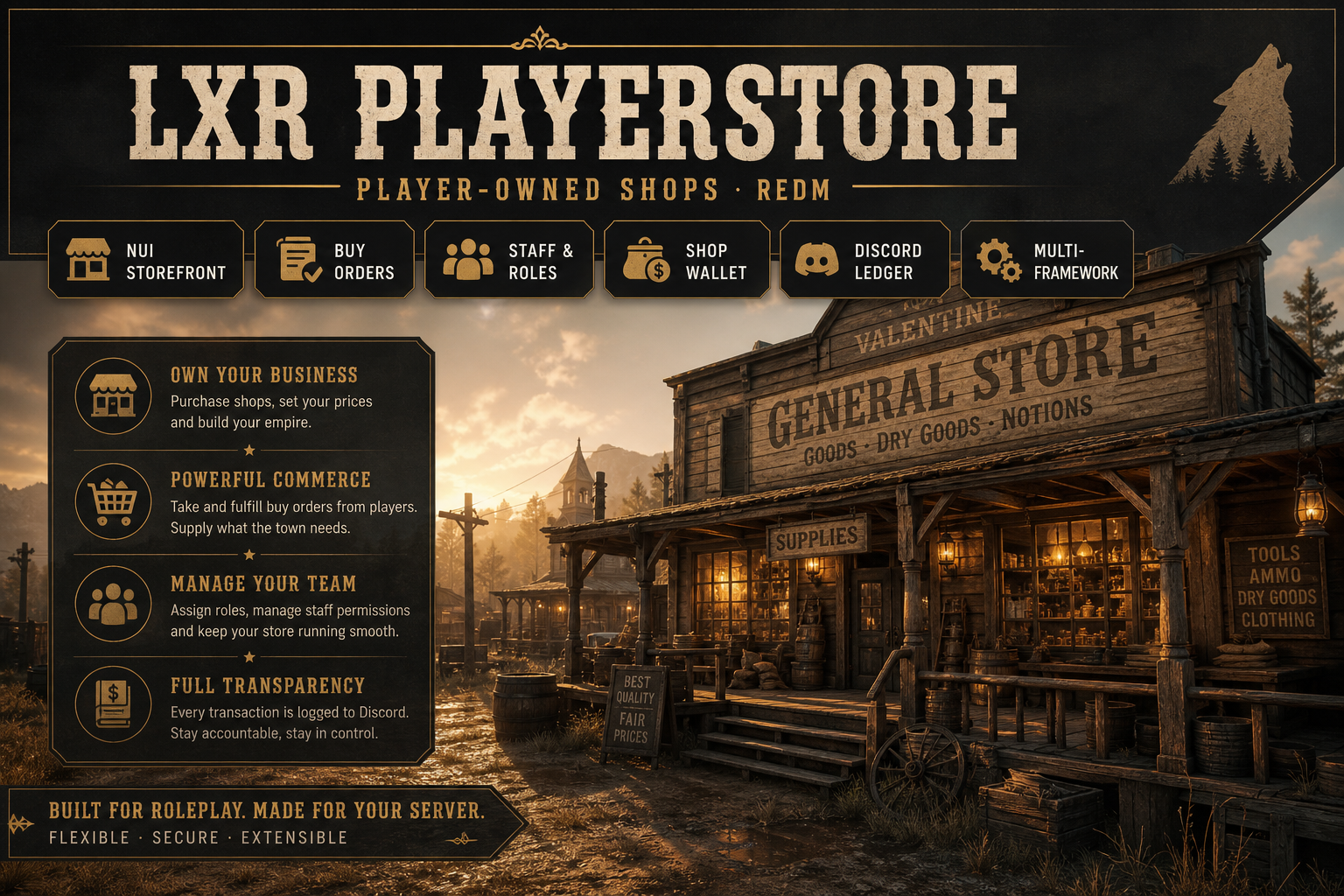

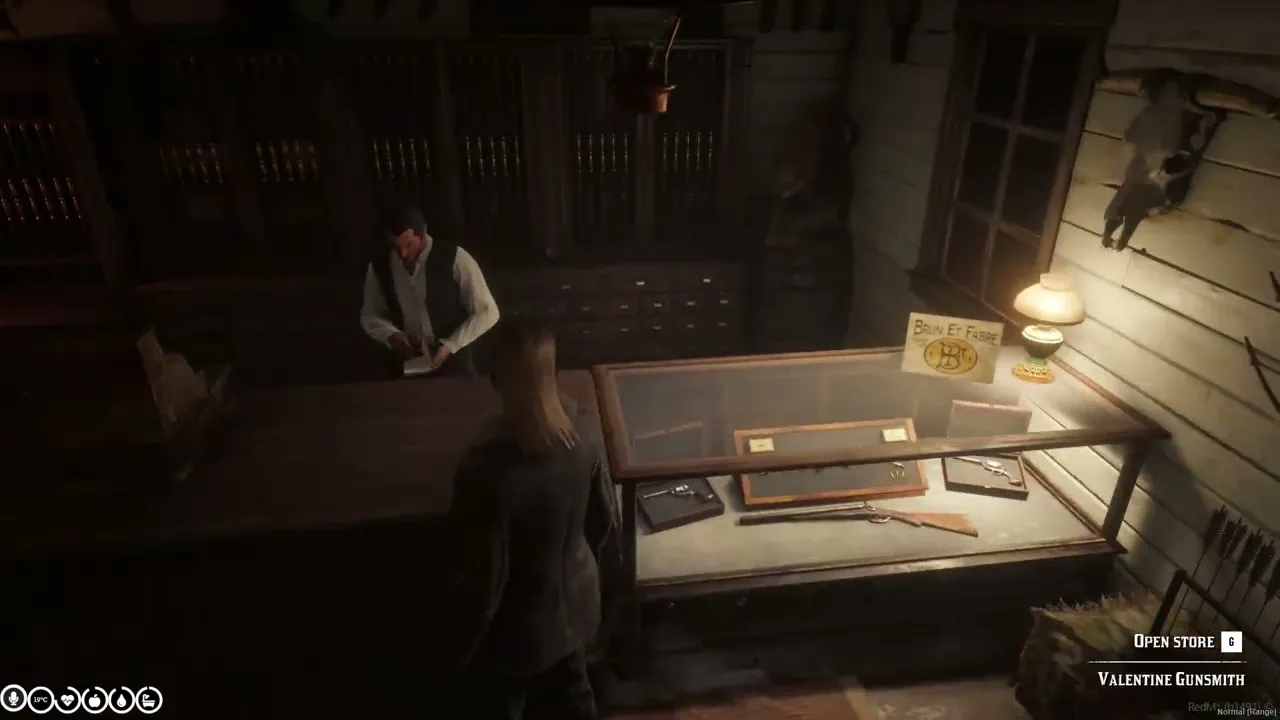
LXR PlayerStore is a premium player-owned shop system for RedM, built for serious roleplay servers that want a deeper economy, better business management, and full control over how stores are created, stocked, staffed, and operated.
This resource lets players run real in-world businesses with custom storefronts, staff roles, buy orders, shop wallets, Discord transaction logs, admin-controlled store creation, and multi-framework support.
Built by The Lux Empire for immersive RedM economy servers.
✨ What Is LXR PlayerStore?
LXR PlayerStore replaces simple static shop gameplay with a complete business system.
Players can own shops, set prices, manage stock, accept supplies from other players, organize categories, hire staff, and control business funds through an in-game management interface.
Server owners can also use it to manage default stores more easily, including replacing or upgrading old shop systems such as basic rsg-shops style stores.
🏪 Main Features
Player-Owned Shops
Create persistent stores that exist in the world and can be managed by players or admins.
Players can:
- Own stores
- Sell items
- Organize categories
- Set item prices
- Manage store branding
- Control store stock
- Operate a proper business inside your RedM economy
Buy Orders
Store owners can create buy orders so other players can supply the shop.
Example:
A general store owner needs wood, food, medicine, tools, or crafting materials. Instead of magically restocking, players bring those items to the shop and sell them into the buy order system.
This creates real economy movement between workers, traders, businesses, and customers.
Staff & Roles
Stores support staff management.
Owners can assign employees and control access based on role permissions. This is ideal for serious RP communities where shops are run by multiple characters, families, factions, companies, or town groups.
Shop Wallet
Each shop has its own internal wallet system.
Business money can be separated from personal player cash, helping owners manage profits, deposits, withdrawals, and store-side economy flow.
Discord Ledger
LXR PlayerStore includes Discord ledger support for transaction tracking.
Useful for:
- Economy moderation
- Staff accountability
- Store audits
- Purchase history
- Suspicious transaction review
- RP business transparency
Admin Store Management
Admins can create and manage stores through the admin system.
Default command:
/lxr-store
Admin access can be controlled through ACE permissions, framework admin groups, or configured identifier allowlists.
This keeps store creation under server control and prevents random shop spam.
🧱 Store Creation Items
LXR PlayerStore supports controlled store creation through special items.
storeblueprint
Used for opening the store creation flow.
storeplace
Used for placing a custom physical store prop/stand in the world and creating a store at that location.
This gives your server flexible store creation while still allowing admins to control who can create shops.
🔁 Default Store Replacement
LXR PlayerStore can help replace older static shop systems.
Instead of managing shops only through old config files, server owners can move stores into a stronger in-game/admin-controlled system.
This is useful for servers that want default stores, player-owned stores, and special business locations all handled by one advanced resource.
🌍 Framework Support
LXR PlayerStore is designed with a flexible bridge system.
Supported / targeted frameworks:
- LXR-Core
- RSG-Core
- VORP
- RedEM:RP
- QBR
- QR
- Standalone mode
Inventory and framework resource names can be adjusted in the configuration.
🛠️ Requirements
Required dependencies:
ensure ox_lib
ensure oxmysql
ensure YOUR_FRAMEWORK
ensure YOUR_INVENTORY
ensure lxr-playerstore
You need:
- RedM FXServer
- ox_lib
- oxmysql
- MySQL or MariaDB
- Supported framework
- Matching inventory resource
Examples:
- RSG-Core + rsg-inventory
- LXR-Core + compatible inventory
- VORP + VORP inventory
🔐 Security
Sensitive actions are validated server-side.
The NUI only displays options. The server validates ownership, staff permissions, admin access, distance rules, money movement, item movement, shop access, and transaction behavior.
This helps protect your server economy from common client-side abuse.
⚙️ Configuration
LXR PlayerStore includes detailed configuration for:
- Framework selection
- Inventory resource mapping
- Database schema
- Admin permissions
- Store creation items
- Prop placement
- Shop wallet
- Price limits
- Role thresholds
- RSG/VORP shop replacement
- Discord webhooks
- Security rules
- Locales
- Branding
🌐 Languages
Included locale support:
- English
- Spanish
- French
- German
- Georgian
- Portuguese
📦 Installation Summary
- Drag
lxr-playerstoreinto your resources folder. - Import the included SQL file.
- Configure database schema in
config.lua. - Configure your framework and inventory.
- Add dependencies to
server.cfg. - Configure admin permissions.
- Restart the server.
- Test the admin hub with
/lxr-store.
Full documentation is included in the package.
✅ Best For
LXR PlayerStore is ideal for:
- Serious RP servers
- Player-driven economies
- Town stores
- General stores
- Black market businesses
- Faction shops
- Supply chain roleplay
- Staff-managed businesses
- Servers replacing basic shop systems
Product Information
Field
Details
Resource Name
lxr-playerstore
Platform
RedM
Type
Player-Owned Shop System
Frameworks
LXR-Core, RSG-Core, VORP, RedEM:RP, QBR, QR, Standalone
Database
MySQL / MariaDB via oxmysql
UI
NUI
Support
Yes
Subscription
No
Delivery
After purchase, you will receive the resource package with:
-
lxr-playerstore - SQL install file
- Configuration files
- Locale files
- Documentation
- Install guide
- Permissions guide
- Troubleshooting guide